Transformations
Introduction
Manipulation Sets
Manipulation sets are similar to chained “data manipulation verb” functions from the dplyr R package. They are ordered sets of instructions that are applied to the parent dataset one at a time (i.e function composition).
Manipulation Types
Manipulation types correspond to common data manipulation tasks.
Filter
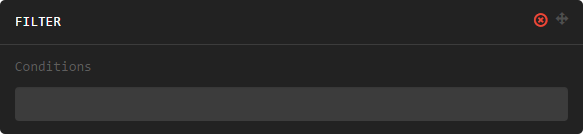
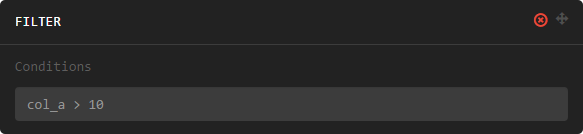
The filter manipulation subsets data based on the provided conditions.
-
filter(conditions) Return only rows meeting given conditions
Parameters: conditions – One or more conditional Manipulation Expressions separated by commas.
Example:
Select
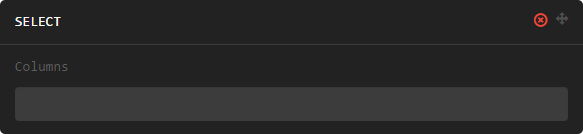
The select manipulation subsets the dataset, keeping only those columns given.
-
select(columns) Keeps only the selected columns.
Parameters: columns – Comma separated list of column names.
Example:

Create
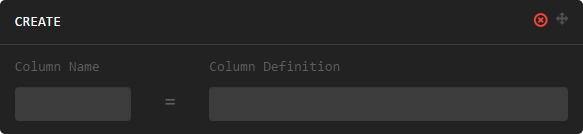
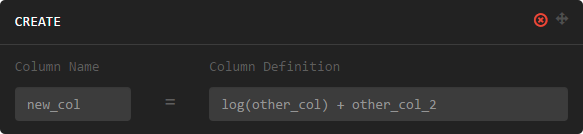
The create manipulation allows new columns to be defined, or existing columns to be altered.
-
create(column_name, column_definition) Creates a new column or alters/replaces existing column.
Parameters: - column_name – The name of the column to create/alter.
- column_definition – Expression definition column...
Example:
Rename
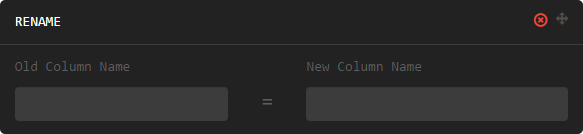
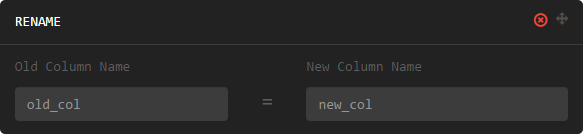
The rename manipulation renames the given column.
-
rename(old_column_name, new_column_name) Parameters: - old_column_name – The name of the existing column.
- new_column_name – New name of existing column.
Example:
Slice
The rename manipulation renames the given column.
-
rename(old_column_name, new_column_name) Parameters: - old_column_name – The name of the existing column.
- new_column_name – New name of existing column.
Example:
Group By
The rename manipulation renames the given column.
-
rename(old_column_name, new_column_name) Parameters: - old_column_name – The name of the existing column.
- new_column_name – New name of existing column.
Example:
Join
The rename manipulation renames the given column.
-
rename(old_column_name, new_column_name) Parameters: - old_column_name – The name of the existing column.
- new_column_name – New name of existing column.
Example:
Sort By
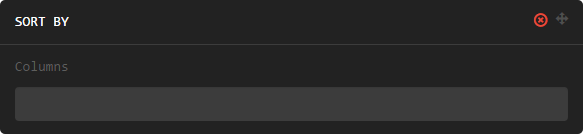
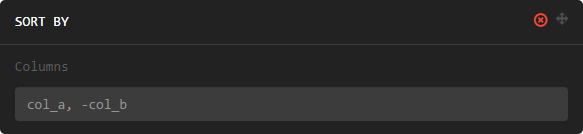
The sort by manipulation sorts the dataset based on given columns. A minus (-) in front of a column name indicates that the sort on that column should be descending.
-
sort_by(columns)¶ Parameters: columns – A comma separated list of column names.
Example:
Wide to Long
The sort by manipulation sorts the dataset based on given columns. A minus (-) in front of a column name indicates that the sort on that column should be descending.
-
sort_by(columns) Parameters: columns – A comma separated list of column names.
Example:
SQL Queries
...